Brand & Creative
Protect the Approved Version
Publish organization-owned artwork, reusable designs, and configurable templates. Keep proof and design review with the people responsible for the brand.
Explore the Design Library Teams
Teams
Your Locations Move Fast. Your Brand Stays in Control.
Buy printed stickers and labels from Sticker Invasion through one shared ordering workspace. Give locations and departments approved artwork, controlled purchasing, and clear spending records.
No platform or subscription fee. Pay for product orders, shipping, and applicable taxes. See setup options and prepaid-balance details.
Review Real Teams Workflows in the Customer Manual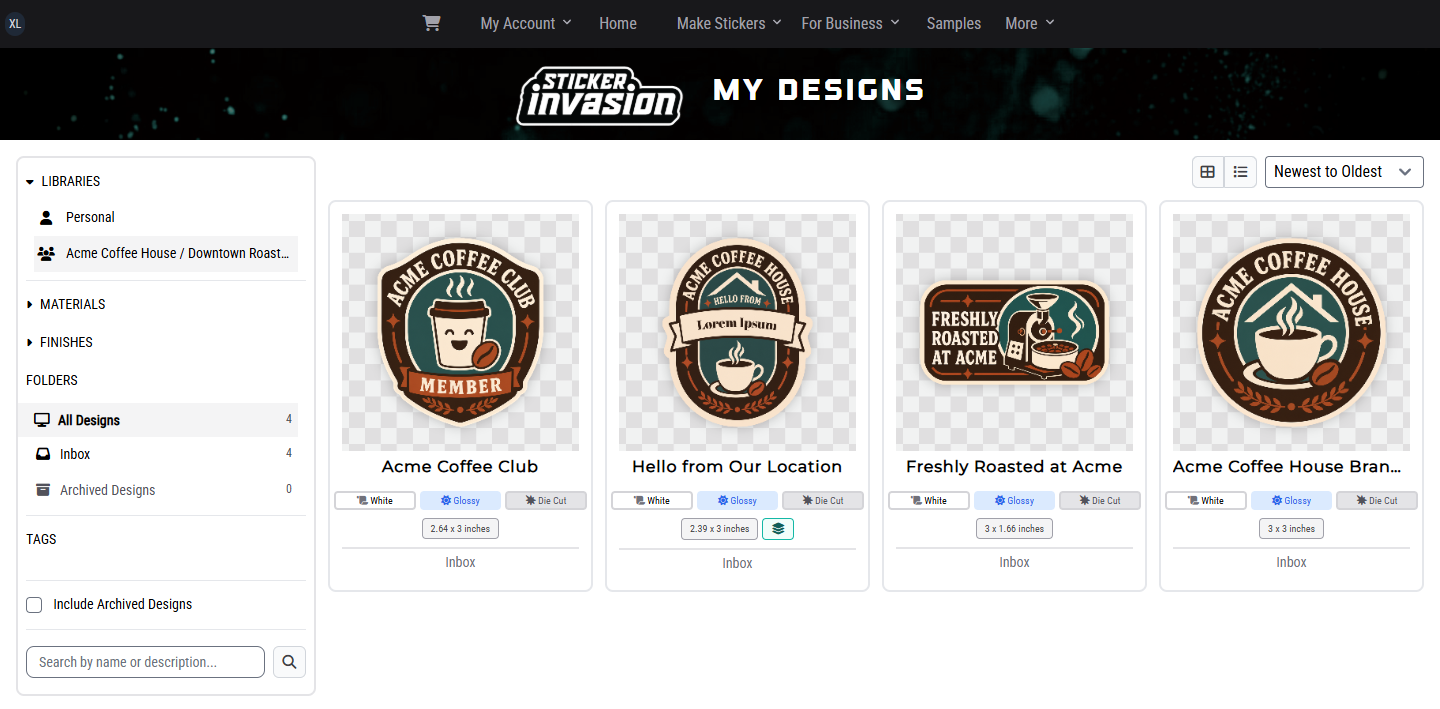
One Shared Workflow
Teams gives each group the control it needs without making one person forward files, place every reorder, or reconstruct the paper trail later.
Brand & Creative
Publish organization-owned artwork, reusable designs, and configurable templates. Keep proof and design review with the people responsible for the brand.
Explore the Design LibraryLocations & Operations
Organize people into locations or departments, let authorized staff use the right designs, and keep each cart and order in its proper context.
Purchasing & Approvers
Set monthly and per-purchase automatic approval limits. Route exceptions to the appropriate approver with totals, shipping choices, PO details, and a clear decision record.
Finance & Leadership
Review spending by location, member, or billing account. Give authorized finance staff access to statements, invoices, and CSV report exports.
From Artwork to Accountable Order
For example, a branch needs 100 approved stickers. Its buyer selects the design and an allowed quantity; Teams applies the configured purchasing rules and keeps the resulting order connected to the branch.
Publish the approved design to the locations that may use it. Choose the quantities they can order.
The branch buyer chooses from the approved library and allowed quantities, then submits the order in the correct location.
With budget-based approval enabled, purchases within the configured limits can be approved automatically. Exceptions go to the appropriate organization or location approver.
Keep the requester, location, billing account, PO, items, totals, and status together. Finance can review spending and export authorized report data.
Automatic purchase approval does not bypass required funding, shipping, production, proof, or licensing decisions.
See How Approval Limits Work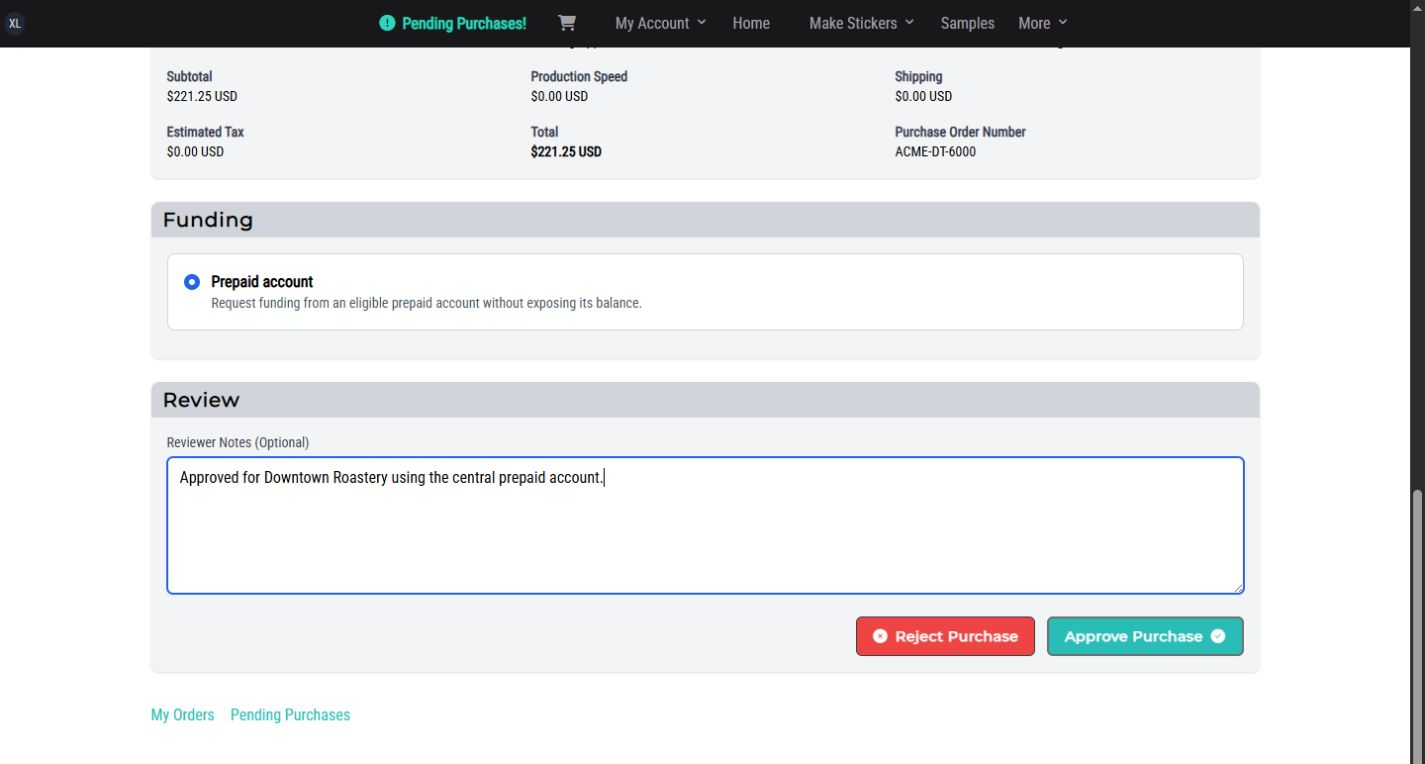
Purchasing & Finance
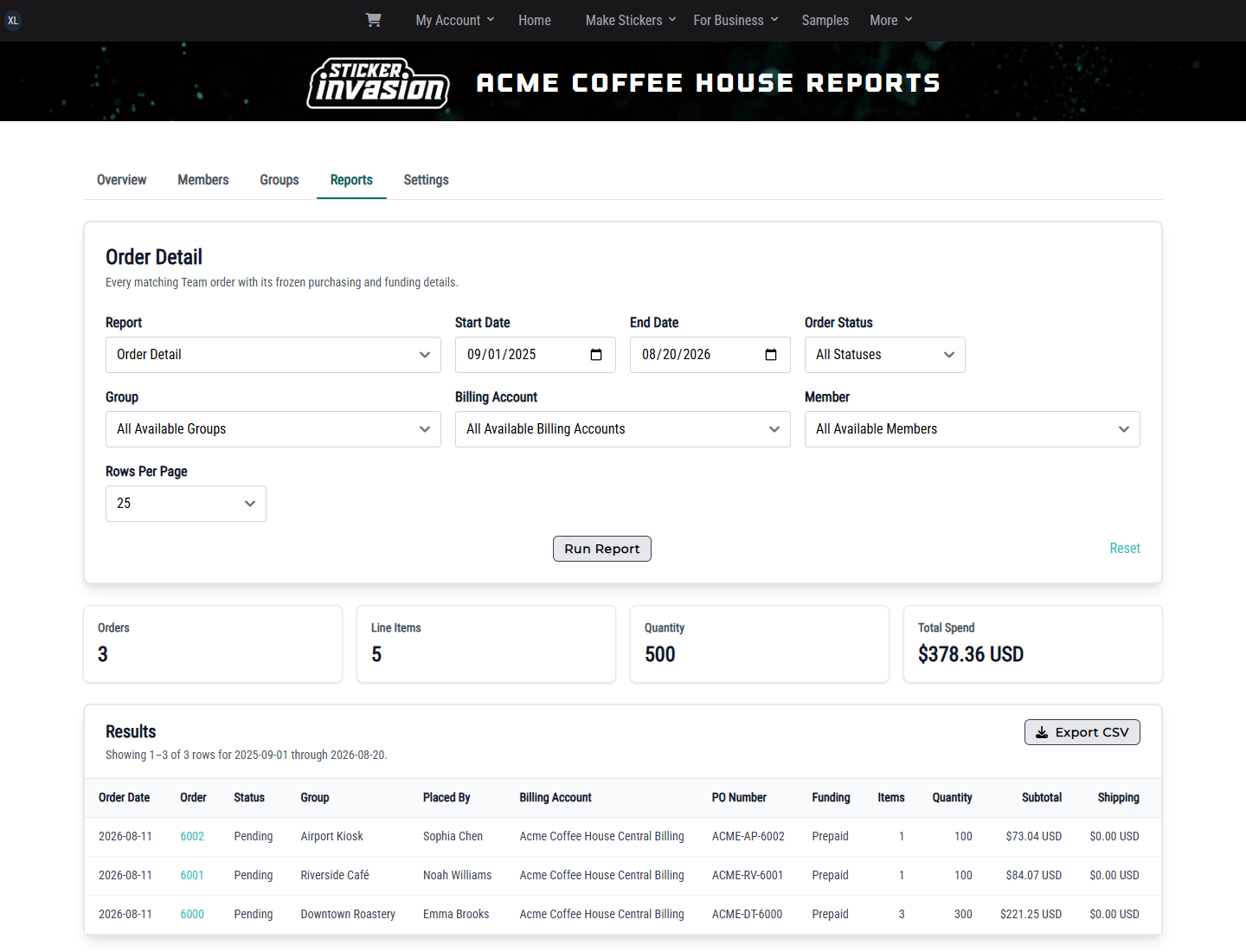 Acme Organization Example
View Full Size
Acme Organization Example
View Full Size
Templated Designs
A templated design keeps the approved layout locked while exposing only the fields you choose. Order one customized version in bulk, or use variable data to create unique variations throughout a larger sticker or label run.
Keep approved logos, fixed copy, layout, and cutlines consistent while controlled fields change.
Choose which text, images, colors, or code fields authorized orderers can configure.
Support locations, departments, campaigns, products, events, or offers without rebuilding the artwork for every version.
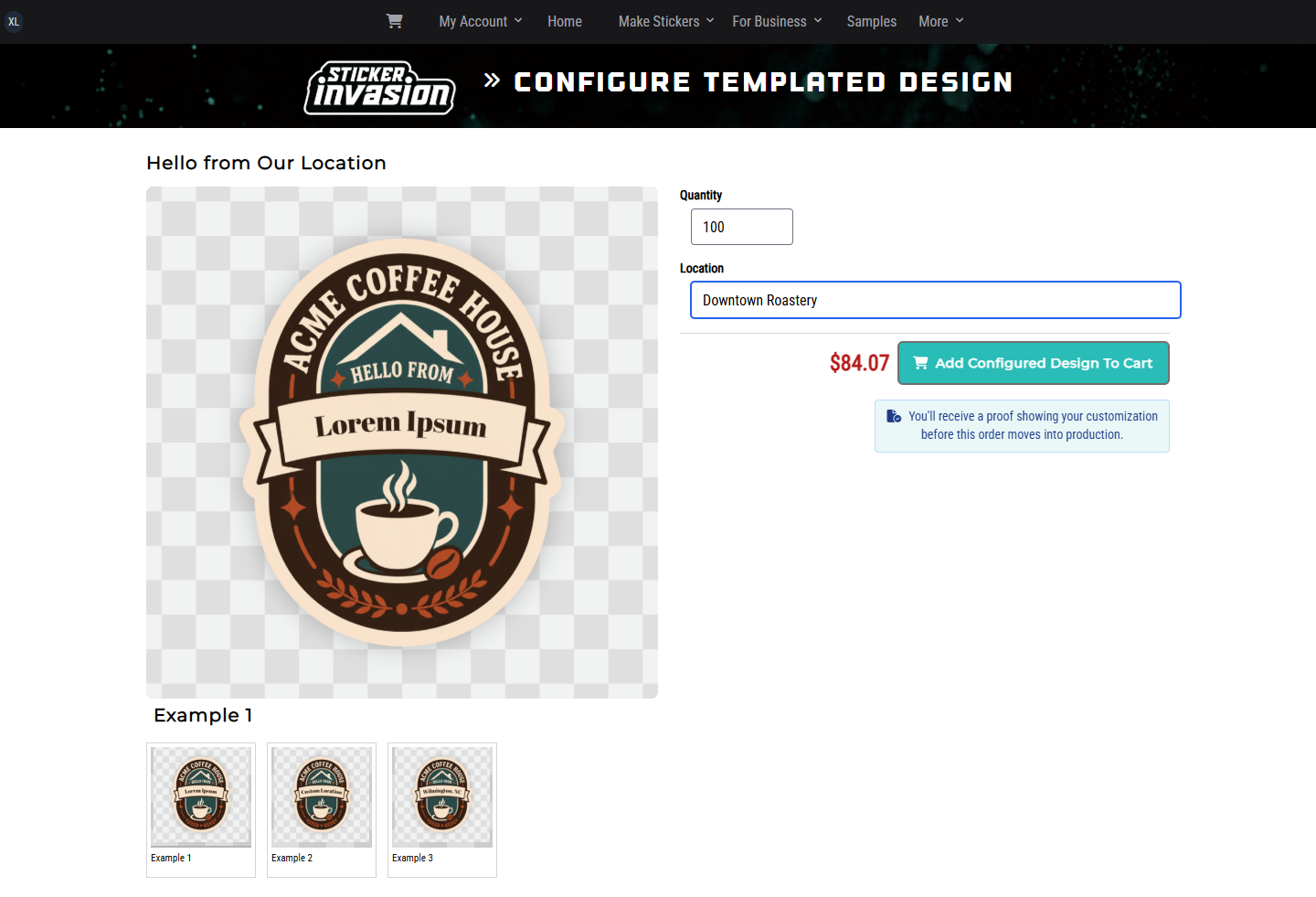
Enter the approved values once, choose the quantity, and order that version in bulk.
Use one validated CSV row per variation for names, serial numbers, URLs, barcodes, or QR codes when those fields are built into the template.
Acme Coffee House is illustrative customer data shown in an actual Teams template workflow.
Structure Without Sprawl
A Team can follow your organization, locations or departments, billing responsibilities, and job-specific roles. People work in the scope they are responsible for instead of sharing one oversized account.
An example from the Acme Coffee House walkthrough in the Teams manual.
Before Your First Order
Teams is your organization's workspace for buying printed stickers and labels from Sticker Invasion. There is no platform or subscription fee. Product orders, shipping, and applicable taxes are paid separately.
Choose a size, material, finish, and quantity on the product page to see pricing. Bring your expected order quantities and recurring needs to the setup discussion.
Explore sticker materials and finishes with a sample pack. For packaging, cold storage, scanners, or demanding surfaces, tell us the application so we can discuss suitable options and a representative test order.
Share your delivery date, destinations, proofing needs, and vendor-onboarding requirements. Plan time for artwork approval, production, and shipping. Invoice terms require separate eligibility and approval.
A launch configured by Sticker Invasion may require an opening prepaid order balance based on the setup involved. The full balance applies to future product orders. We confirm any required balance, scope, and expected launch timing before configuration begins.
Two Ways to Launch
Teams is currently available by request. There is no platform or subscription fee, and you pay for the stickers and labels your organization orders. Tell us about your organization and we will recommend the right launch path.
Self-Guided Setup
Request access and tell us about your organization. For a straightforward rollout, we can grant access and point your administrator to the searchable customer manual.
Configured with Sticker Invasion
Share your approved assets and business structure. We will build the initial workspace with you.
Configured launches may require an opening prepaid order balance based on the setup involved. The full balance is applied to future product orders. Before configuration begins, we confirm the balance, first rollout, required inputs, and expected launch timing.
Run setup internally or bring Sticker Invasion into the process.
Organize people, assets, purchasing rules, billing, and approvals.
Start with a focused workflow, learn from it, and add more groups.
Professional Design Services
You do not need a finished design to get started. Tell us what the sticker or label needs to communicate, share any brand assets you have, and our professional designers can create the artwork for you.
Once the design is approved, it can become part of your Teams library so authorized locations or departments can keep ordering the current version.
Tell Us What You Need DesignedFrom Idea to Approved Design
Tell us its purpose, intended use, required copy, and any brand assets you already have.
Our designers turn that direction into artwork created specifically for your sticker or label.
Keep the approved design in Teams so authorized people can order the current version again.
Already have finished artwork? We can organize those approved assets and reusable designs in Teams instead.
Explore real screens and step-by-step workflows for organization setup, roles, design libraries, templated designs, purchase approvals, billing, orders, and reporting.
Teams Customer Manual
Industry Playbooks
Start with industry-specific products, workflows, and ready-to-customize designs, then bring the same controlled ordering model across your organization.
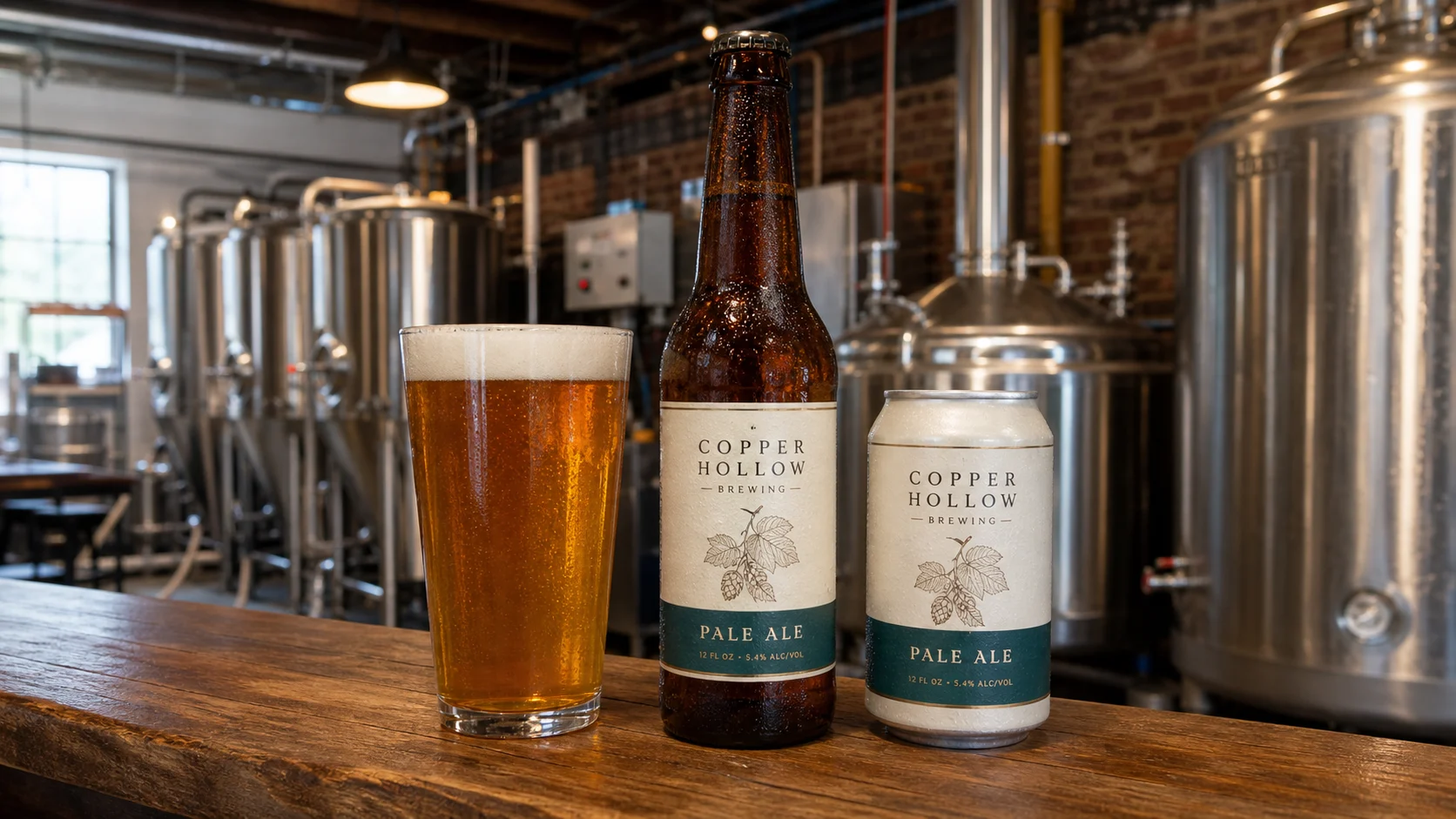
Teams for Breweries

Teams for Coffee Shops
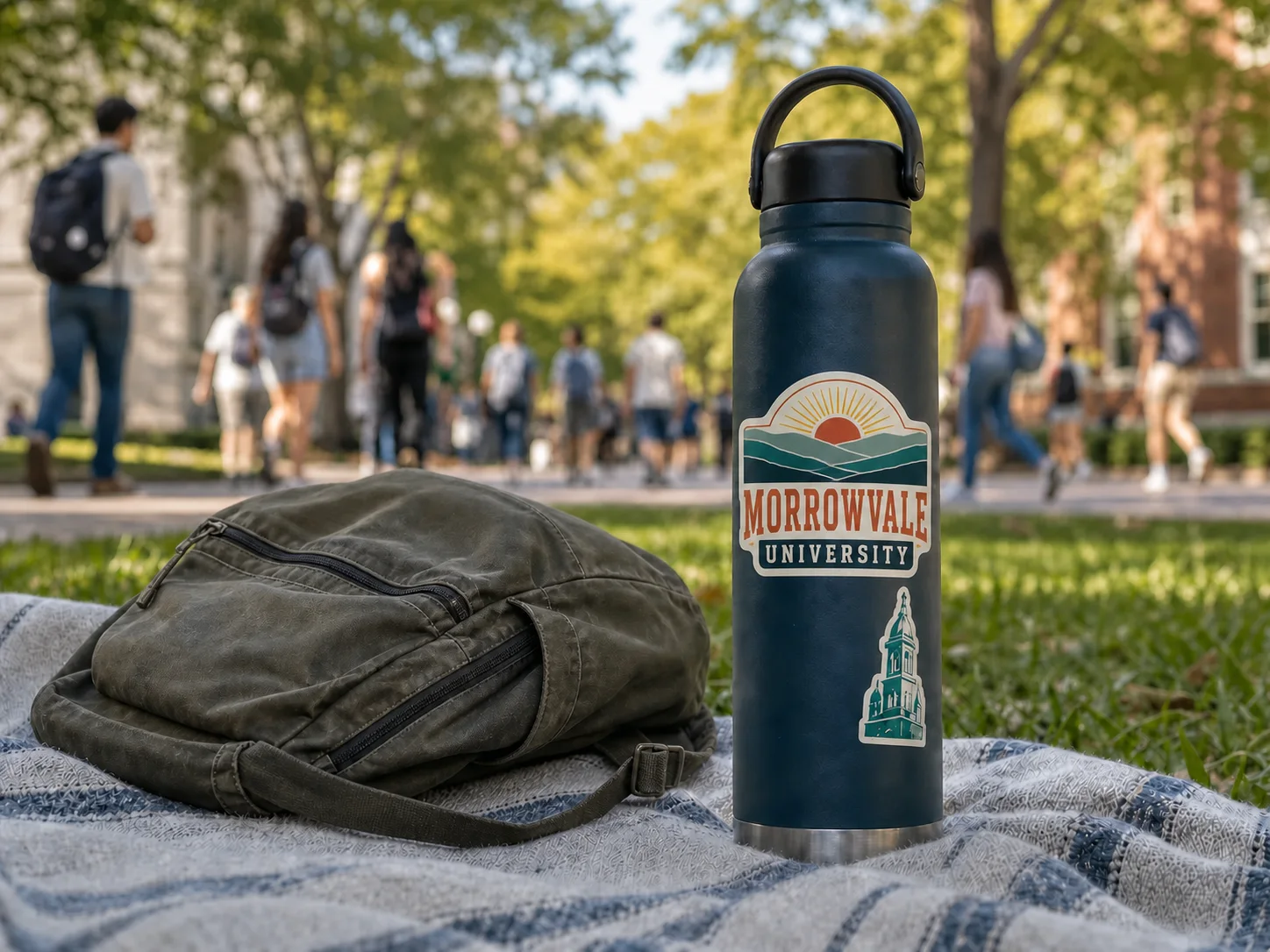
Teams for Universities & Schools

Teams for Gyms & Fitness Studios

Teams for Surf Shops

Teams for Tattoo Shops
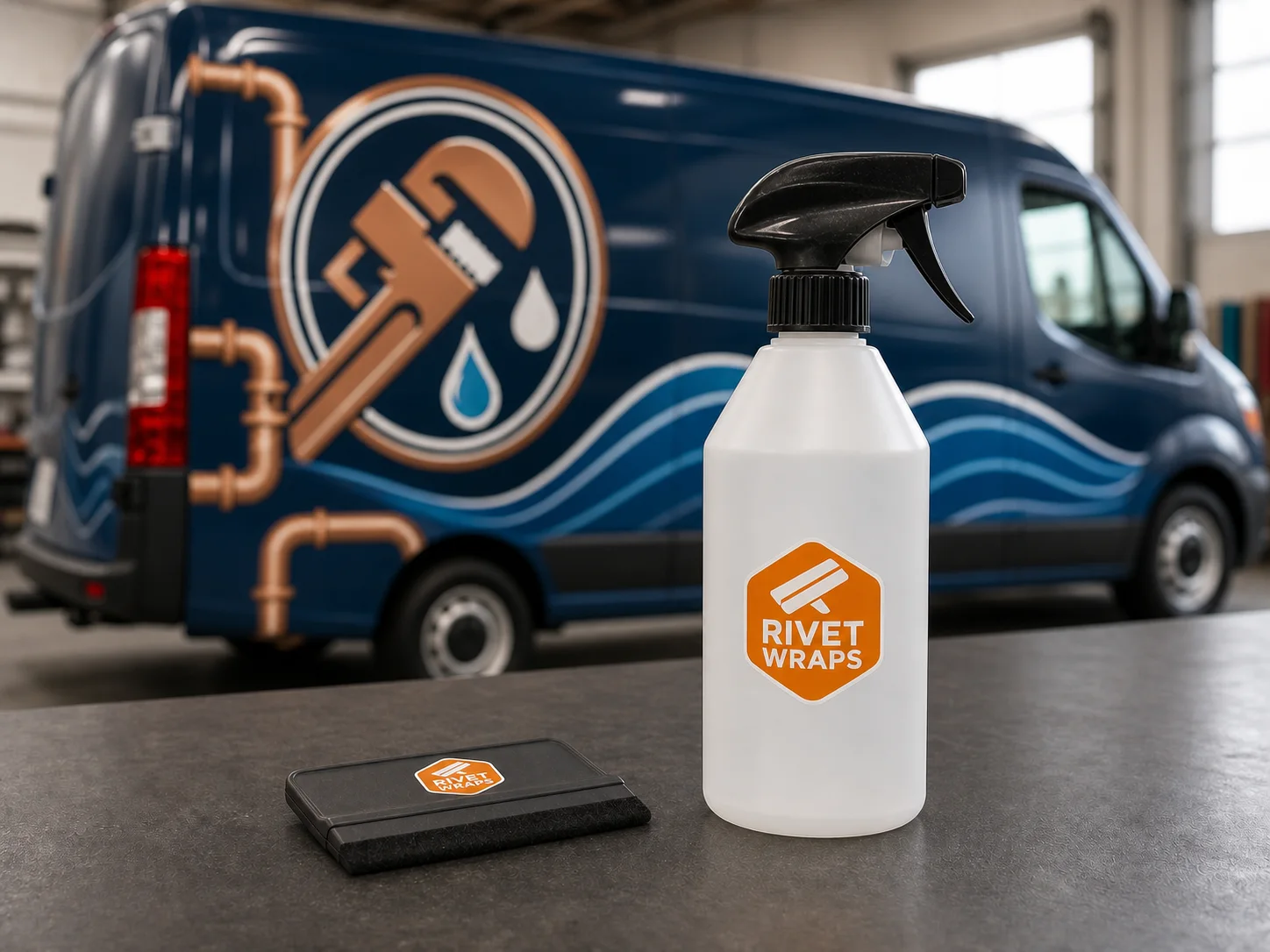
Teams for Wrap Shops

Teams for Warehouses & Fulfillment
Any Industry Can Benefit From Teams
The examples above are starting points, not limits. Teams can help organizations centralize approved artwork and simplify sticker and label ordering across locations, departments, and people.
Questions Business Teams Ask
No. Teams is most useful whenever more than one person, location, or department touches branded ordering. You can start with a simple shared design library and approval workflow, then add more locations, roles, and billing policies as needed.
There is no platform or subscription fee for Teams. You pay for the stickers and labels your organization orders, along with shipping and applicable taxes. Configured launches may require an opening prepaid order balance based on the setup involved. The full balance is applied to future product orders, and we confirm any requirement before configuration begins.
Yes. Authorized people can reorder approved standard designs, and prepared templates can expose only the fields intended to change, such as a location name, event, URL, or other approved variable.
Billing Accounts can control eligible groups, approval requirements, who selects shipping and production options, PO expectations, and available funding methods. Depending on your setup, funding can include saved payment methods, prepaid balances, or invoice terms.
Setup time depends on the number of approved assets, Groups, roles, billing rules, and approval paths involved. A focused first rollout takes less coordination than moving every workflow at once. After reviewing your inquiry, we will recommend a first rollout, list the inputs needed, and provide expected launch timing.
Request Teams Access
Teams is currently available by request. Tell us how your organization orders today, what you need printed, and who needs access. Start with one workflow before expanding across your organization.